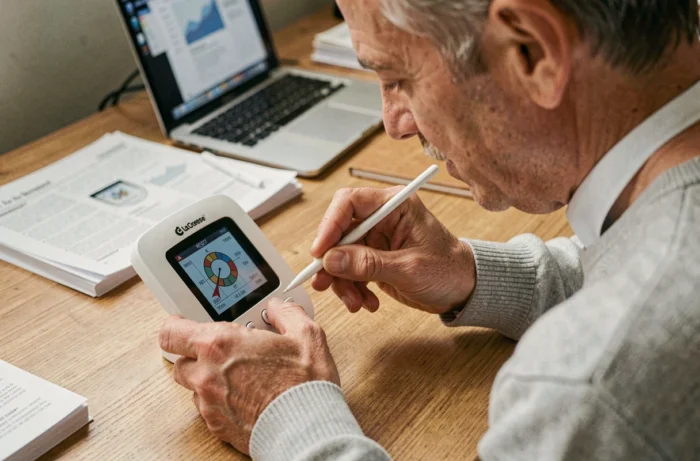
Your La Crosse Technology station displays dashes instead of the outdoor temperature, or the time has shifted after a power outage. We’ve all experienced that moment when the screen seems frozen and no simple manipulation brings the device back to life. A reset resolves most of these blockages, provided you follow the correct sequence according to the type of station.
Differentiated reset on La Crosse Technology Wi-Fi stations
Competitors all mention the reset button at the back of the base. For classic models (without Wi-Fi), this is indeed sufficient. For Wi-Fi stations paired with the La Crosse View app, the situation is different: La Crosse Technology has introduced differentiated resets depending on the targeted component.
There are three levels. The reset of the base alone restarts the display and the reception of the sensors. The reset of the Wi-Fi module disconnects the network connection and forces a new pairing with the router. The complete factory reset erases all settings, including time zone, unit, and alarm settings.
The exact procedure varies from model to model, but the principle remains the same: you combine button sequences with targeted power cuts. On the Professional range (V30 and derivatives), you generally need to hold down a specific button during power-up to access the factory reset. When trying to reset a La Crosse Technology weather station from this range, confusing these levels can lead to unnecessary reconfiguration.
Removing batteries and cutting power: the crucial sequence
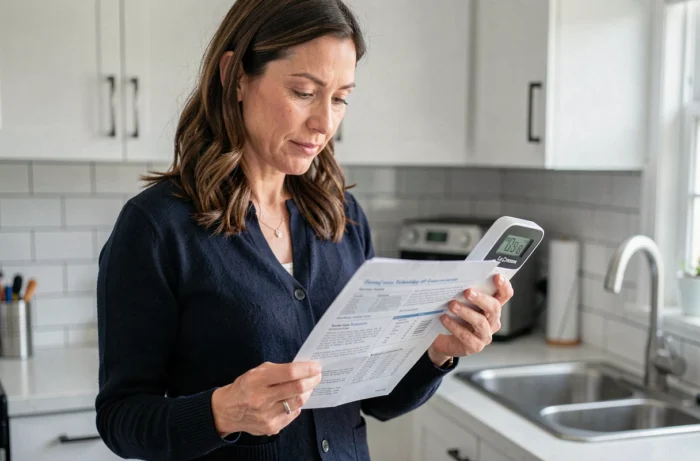
The basic action, common to all La Crosse stations, involves a complete power cut. In practice, many users remove the batteries from the base without unplugging the power adapter (or vice versa). The reset does not take effect.
Here is the sequence that works on most models:
- Unplug the power adapter from the base, then remove the batteries from the base and the outdoor sensor in that order
- Wait several minutes (not just a few seconds) for the capacitors to fully discharge
- Reinsert the batteries of the outdoor sensor first, wait for it to start its initial measurements, then put the batteries back in the base and reconnect the power
- Leave the station in free reception without touching any buttons during the initial synchronization phase
The order of sensor before base is crucial. If the base searches for a signal before the sensor emits, it may never connect, and you end up with permanent dashes on the outdoor display.
New batteries or batteries in place for a year
A often-overlooked detail: weak batteries can cause exactly the same symptoms as a software bug. Before suspecting a firmware issue, replace the batteries with new alkaline ones. Rechargeable batteries provide a slightly lower voltage and can sometimes cause reception issues on La Crosse sensors.
Interrupted firmware: when a simple reset is not enough
On recent Wi-Fi stations, a firmware update that fails midway (power cut, unstable Wi-Fi signal) can leave the device in a semi-blocked state. The screen lights up, but some functions no longer respond, or the connection to the La Crosse View app fails to establish.
In this specific case, a complete factory reset is necessary rather than just a simple restart. The procedure differs from a standard battery removal: it involves holding down the reset button during power-up, which forces the factory configuration to reload.
Feedback varies on this point, but several troubleshooting guides associated with La Crosse manuals published after 2022 confirm this approach for Wi-Fi ranges. If the blockage persists after a factory reset, the issue may be hardware-related, and it’s best to contact customer service.
Interference and sensor range after reset
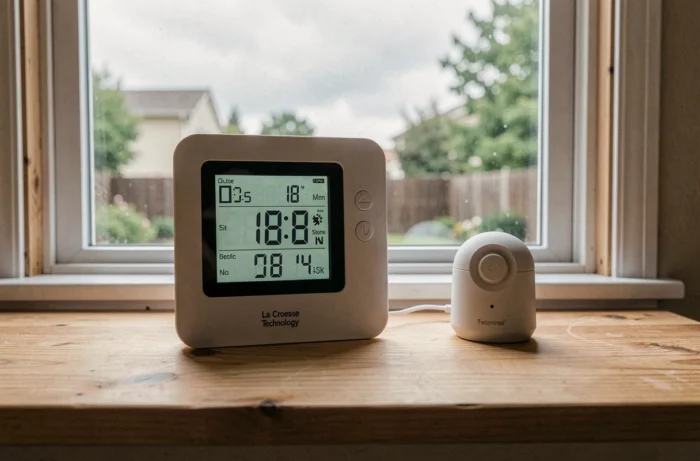
Once the reset is performed, the station must re-pair with the outdoor sensor. It is often at this stage that problems reappear, not due to a bug, but because of the environment.
For stations equipped with IT+ technology, the stated range in open field is 100 meters. In practice, each wall reduces this distance. La Crosse Technology’s official documentation indicates that several meters should be subtracted for each wall crossed, more for an exterior wall or reinforced concrete.
Some materials pose specific challenges:
- Reinforced concrete, stucco, and anti-UV glass significantly disrupt signal transmission
- Nearby electrical devices (microwaves, televisions, refrigerators) generate interference on the reception frequency
- A sensor placed too low or in a dead zone relative to the base loses the signal intermittently
After a reset, take the opportunity to reposition the sensor in line of sight with the base and move the station away from any source of interference. Changing the transmission angle of the sensor, even slightly, can be enough to stabilize reception through a problematic wall.
Synchronization of time and weather data
The La Crosse Technology radio-controlled stations automatically receive the time signal after a reset. This synchronization can take time depending on reception conditions. During this phase, the display of temperature and humidity gradually sets up.
Do not force a manual time setting until the station has completed its automatic search. An early manual setting can block the reception of the radio-controlled signal and distort the timestamp of the recorded weather data.
Resetting a La Crosse Technology station remains an accessible operation, provided you respect the power order between the sensor and the base, distinguish the reset levels on Wi-Fi models, and check the battery status before any other manipulation. Careful positioning of the sensor after the reset avoids having to repeat the procedure a few days later.